

How it works
Sizes in. Quotation out.
Set up your window designs once. After that, every job is four simple steps — on your phone at the site or your computer in the office.
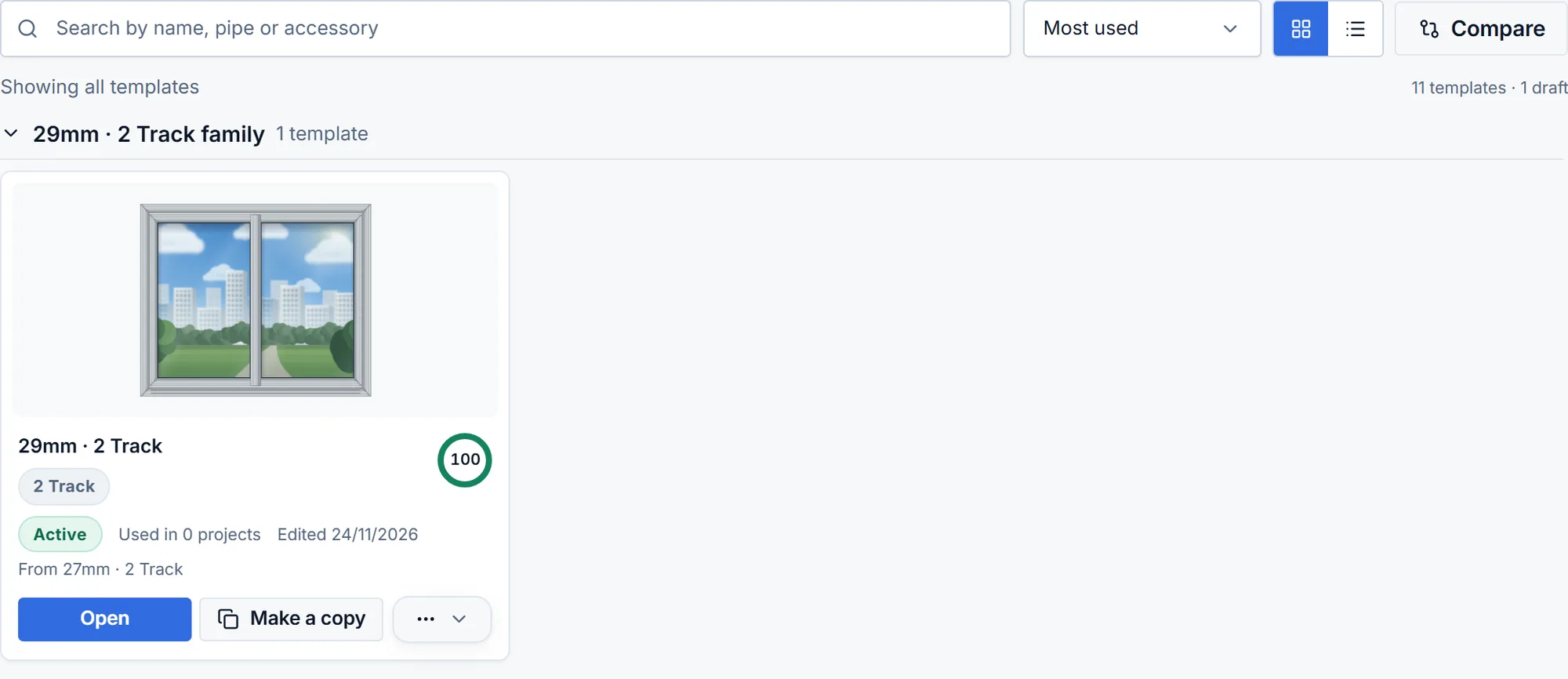
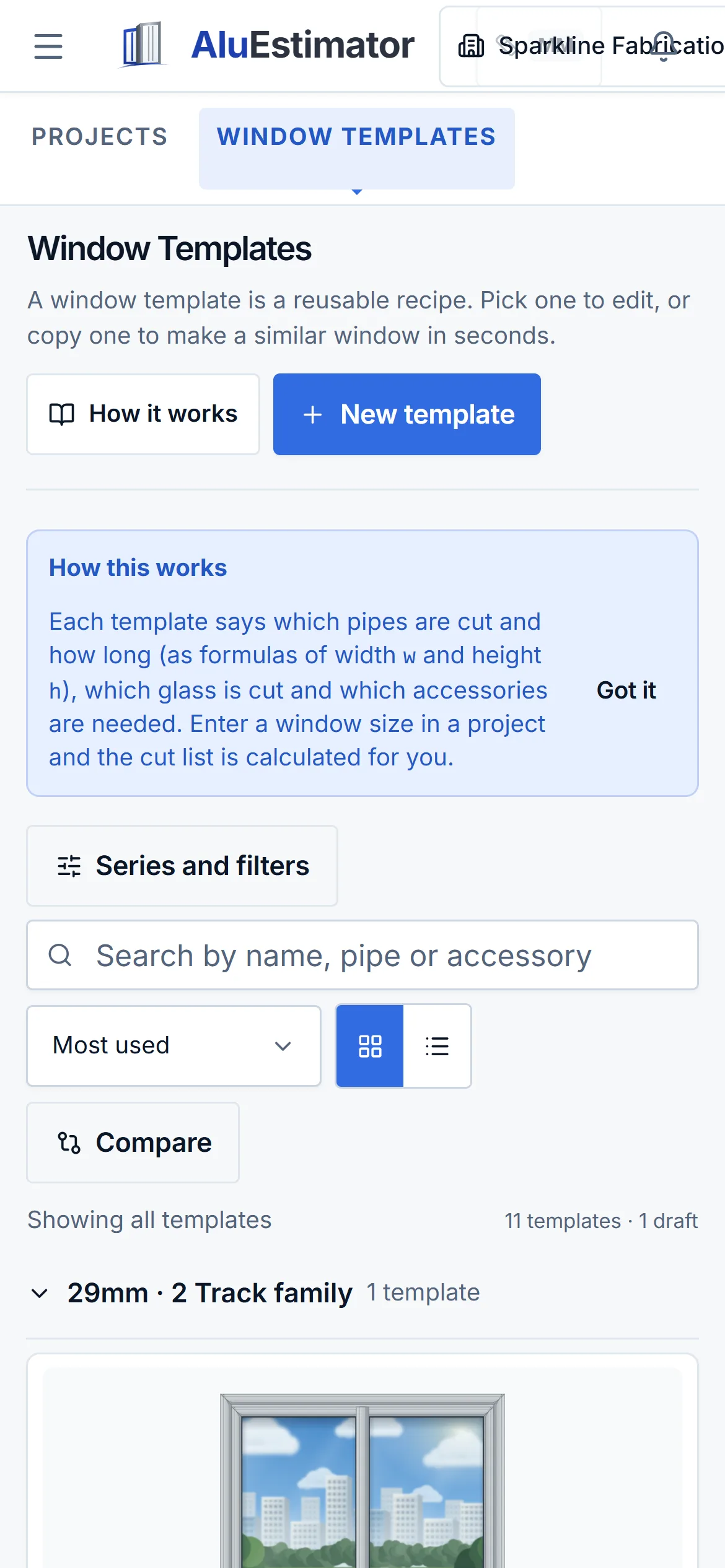
Build your window designs
Set up each window type once — sliding, domal, openable, with or without mosquito net — with your own profiles, formulas, glass and accessories.
- Organise designs as Series → Type → Option
- Formulas from width and height, with live values
- Copy a design and see what changed
- Checklist so nothing is left half-finished
Enter site measurements
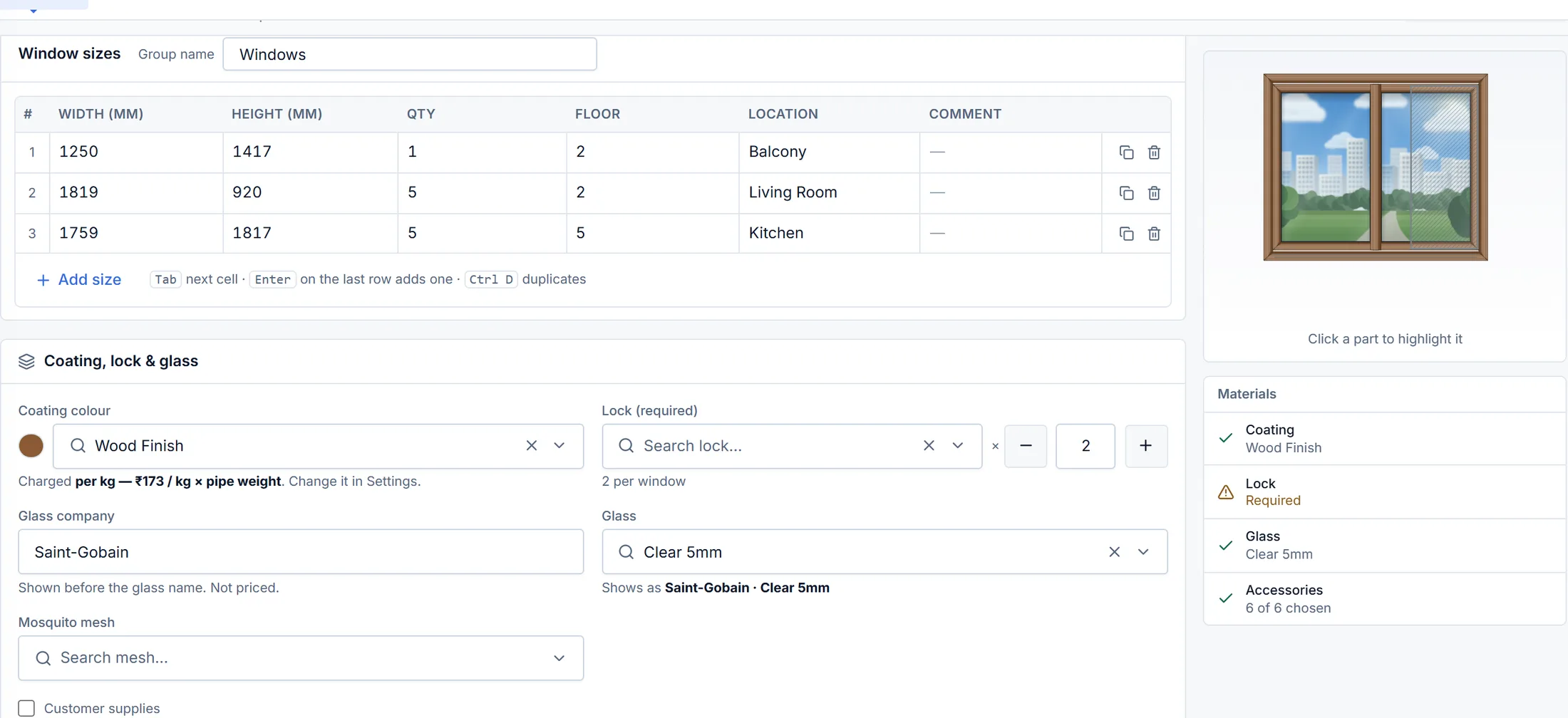
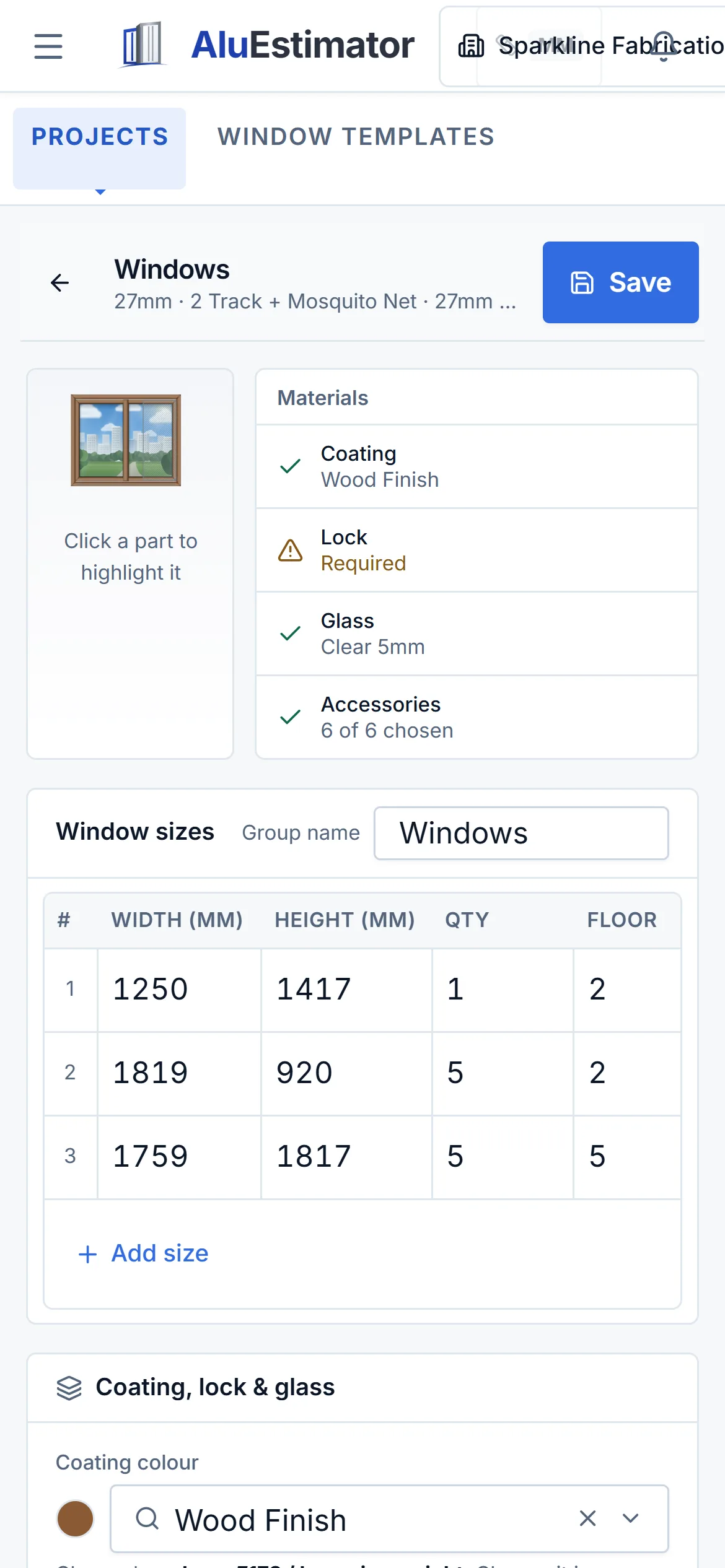
Pick a window type, choose materials once, then type sizes into a fast, spreadsheet-like grid. In mm, inches, feet, metres or dora.
- Choose profile, glass, coating and locks once per group
- Type sizes row by row, with floor and location
- Work in mm, inches, feet, metres or dora
- Import windows from Excel for big projects
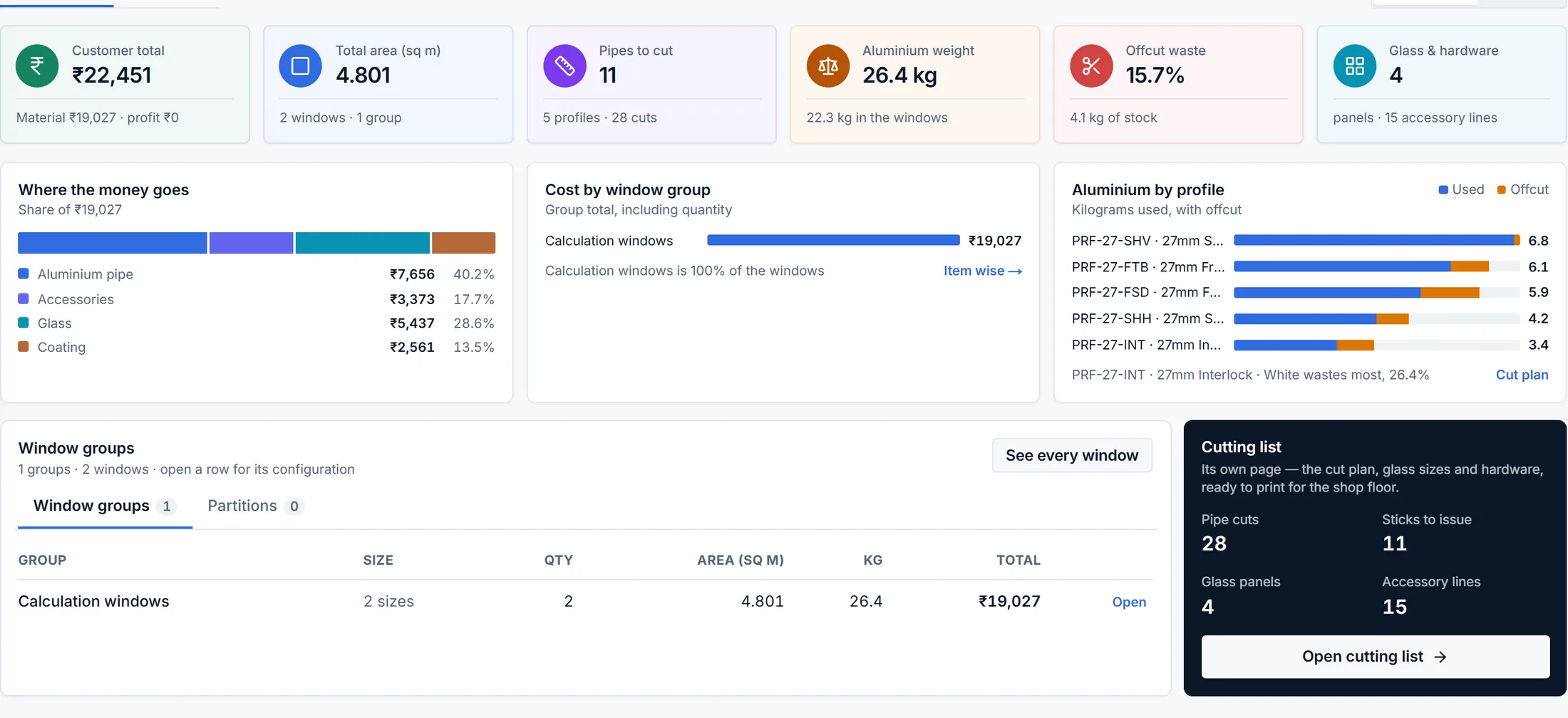
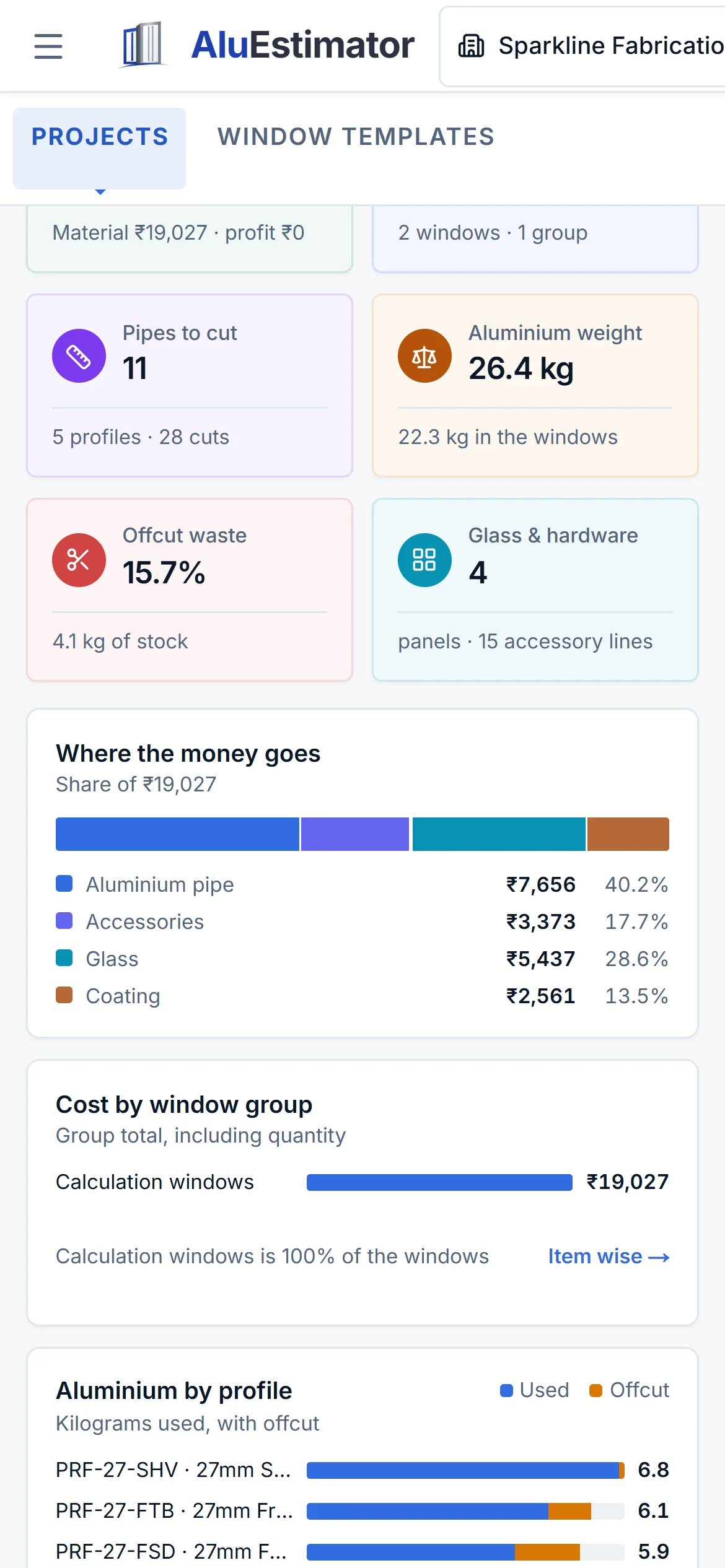
Get cutting plan, cost & price
Every pipe cut, the optimised cutting plan, glass, accessories, coating, waste — plus labour, installation, margin, transport and GST.
- Optimised cutting plan on 12, 15 or 16 ft pipes
- Weight, glass area, accessories, coating and waste
- Labour, installation, margin, transport, discount and GST
- Cutting list, glass order and coater order as PDFs
Send a branded quotation on WhatsApp
Pick one of six professional formats with drawings of every window. Share as a link or PDF and convert to an invoice when approved.
- Six professional formats with window drawings
- Share by link, WhatsApp or email
- Track Draft → Sent → Approved
- Convert an approved quote to an invoice in one click
Real screens from the AluEstimator app with demo data; step 4 is illustrative.
After the quote
One app for the whole job.
No re-typing between notebooks, Excel and a billing app. Each step picks up exactly where the last one ended.
Measure
Site sizes in any unit
Estimate
Cuts, glass, cost
Quotation
Branded GST quote
Invoice
One-click from approved quote
Payment
Cash, bank, UPI, cheque
Ledger
Who owes how much
Getting started
How we get you started.
- Step 01
30-minute demo
Online, or at your workshop in Gujarat. See AluEstimator on the kind of windows you make.
- Step 02
We set up your account
There's no self-signup — our team creates your workspace, staff logins and roles.
- Step 03
Free Excel import
We help bring your window designs and opening stock across.
- Step 04
14-day free trial
Every feature, on your real jobs. Pay only if you continue.
See your own window, quoted in minutes.
Book a free 30-minute demo — online or at your workshop. We set up your 14-day free trial and help import your designs and stock from Excel.
Or call +91 98765 43210 · Monday–Saturday, 10:00 am – 7:00 pm IST